
 CHIRP Tech Wiki
CHIRP is a volunteer-run non-profit radio station in Chicago. Like any organization that runs on volunteer power, CHIRP’s Tech Department has high turnover and work rarely gets documented; this creates barriers to entry for newcomers. I took on this project with the goal of creating a home base for everything related to the CHIRP Tech Department, making it easier for people of all skill levels to get involved. The wiki is a living document currently available to the public in its entirety at chirpradio.github.io.
Skills Used
- Auditing existing documentation
- Project management
- Technical writing
- Content design
- Github Pages
- Jekyll
- Ruby
- Markdown
- HTML and CSS
Considerations and Challenges
The wiki must be easy for anyone to skim over quickly
Being an organization made up entirely of volunteers, there is a lot of turn-over; individual involvement waxes and wanes depending on people’s personal schedules and interest. Maintaining simple and straightforward reference documentation is a key factor in keeping volunteers engaged, getting things done quickly, and combating attrition.
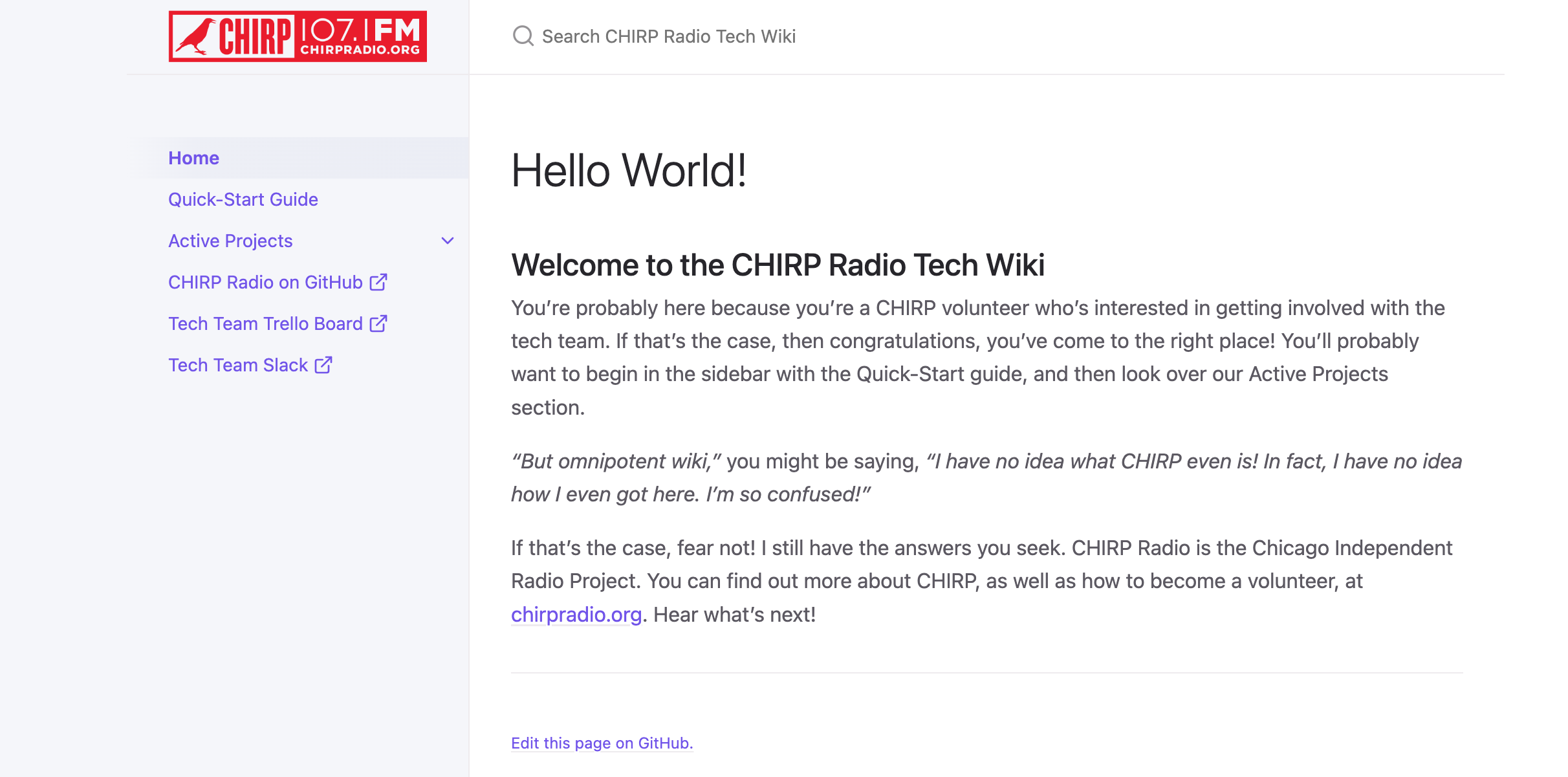
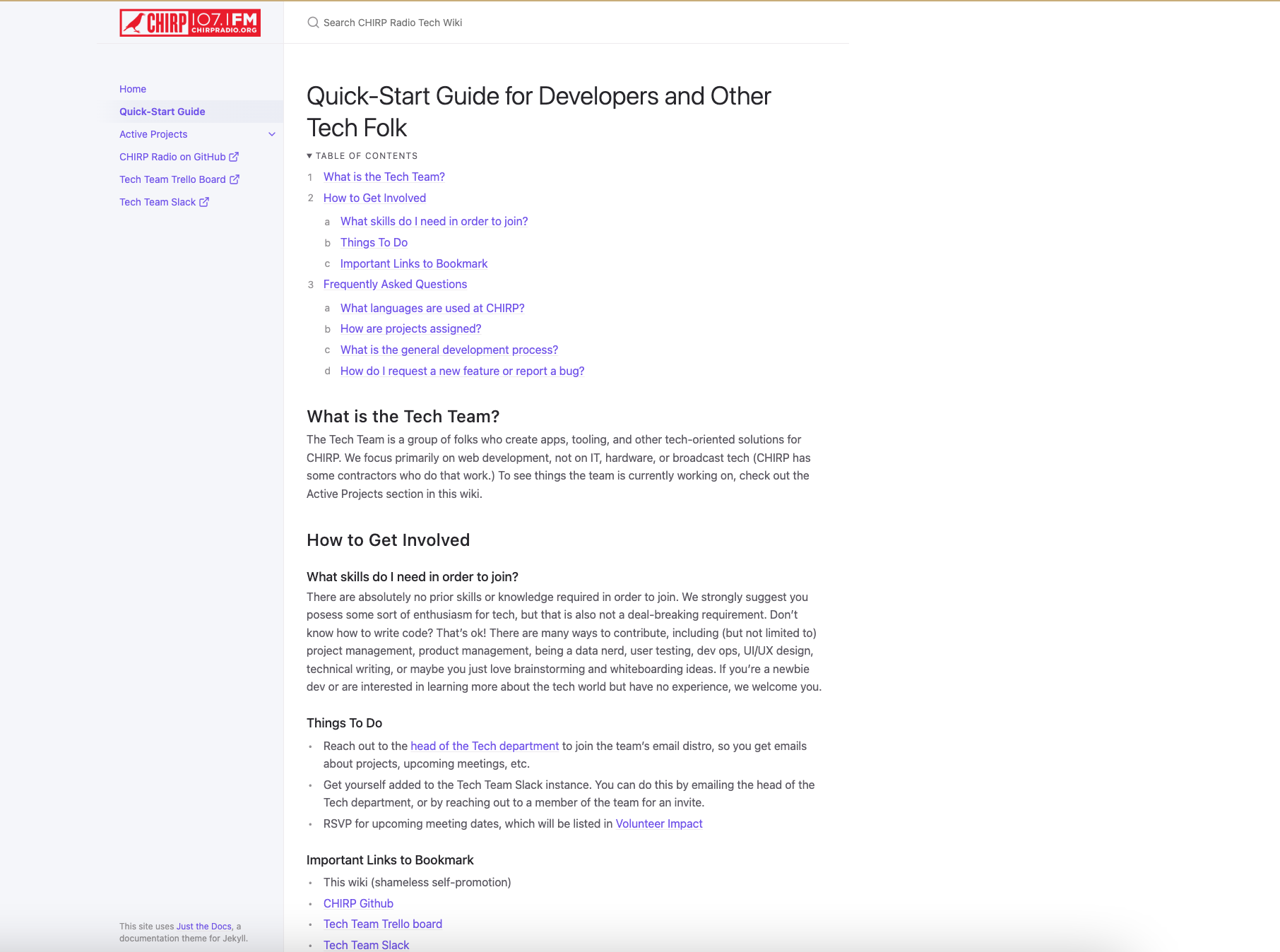
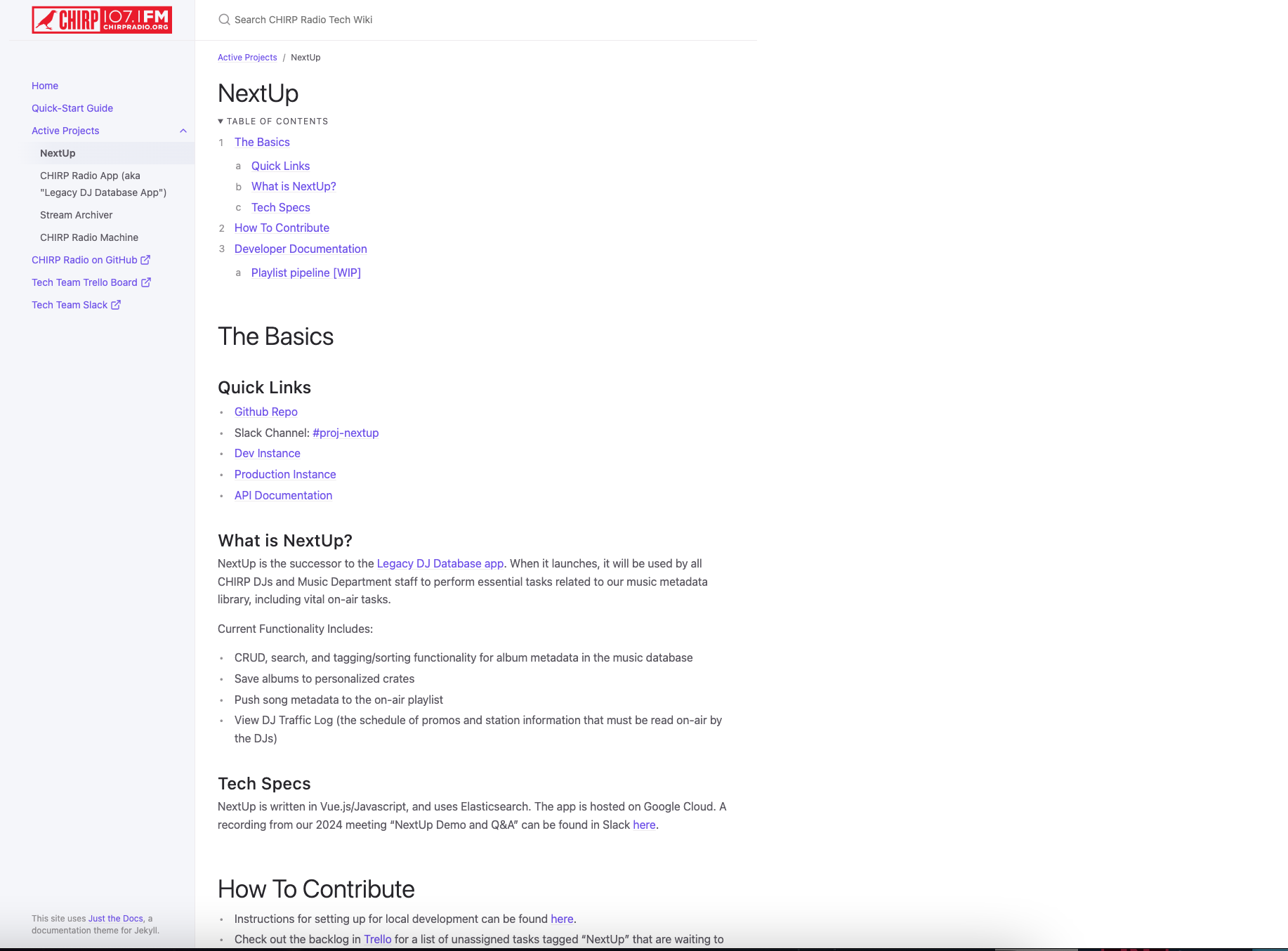
To aid in simplicity, I began the wiki with a “quick-start” page. The “quick-start” page contains all of the most vital information about the department, along with links to things people need quick access to, like our Github and Slack instances. From there, I created individual pages for each project currently in active development. The project pages have links to all the relevant things to read, install, or get familiar with for that project.
The wiki must be built on free software, and it must be easy for others to contribute
In such a volatile, ever-changing environment, it was vital to ensure that there was no singular point of failure for the wiki, such as a single owner/maintainer that the entire documentation process depended on. The wiki had to be easy to access and update by any volunteer, with no “transfer of ownership” necessary.
After shared ownership, the second-biggest factor to consider was price: CHIRP is a non-profit that runs almost entirely off of donations, so budget is of utmost importance. Of the many free options available, I wanted to find something that was highly customizable, quick to spin up, and heavily documented online to allow for easier contribution.
CHIRP has a Github organization where a lot of existing documentation was already located, so I ultimately chose Github pages as the wiki’s home. Github pages is free, can be as simple or as complex as necessary, and has the option of GUI editing via the website for those who are less technically inclined. It also allowed us to take a “docs-as-code” approach, allowing for robust version control and an audit trail.
The wiki must match CHIRP’s voice and branding
According to the CHIRP branding guide, the CHIRP voice is “conversational, friendly, and enthusiastic”; it can be “jokey and silly, but not unkind”, and should be “authoritative with its subject matter.” I followed these guidelines when writing the content. To keep in line with visual branding, I used CHIRP’s logo and favicon, and kept the UI clean and minimal.
Process
1. Audit of Existing Documentation
I began this project by putting out a call to existing volunteers for any technical documentation that they were aware of. I scoured volunteer training materials and CHIRP’s Github instance, and I compiled a spreadsheet of everything I could gather. Then, I did a small audit to determine which items were still relevant, which items could be combined or eliminated, etc.
2. Research and Format Exploration
Using the data in my audit spreadsheet, I researched several software solutions to determine the best place to host our new wiki.
3. Building the New Wiki
I set up the wiki in Github Pages with a simple documentation-focused theme. I created a layout and placeholder pages, which I filled in over the course of a few weeks. Some of the content was simply ported over from existing documentation, and some was written up from scratch.
4. Review and rollout
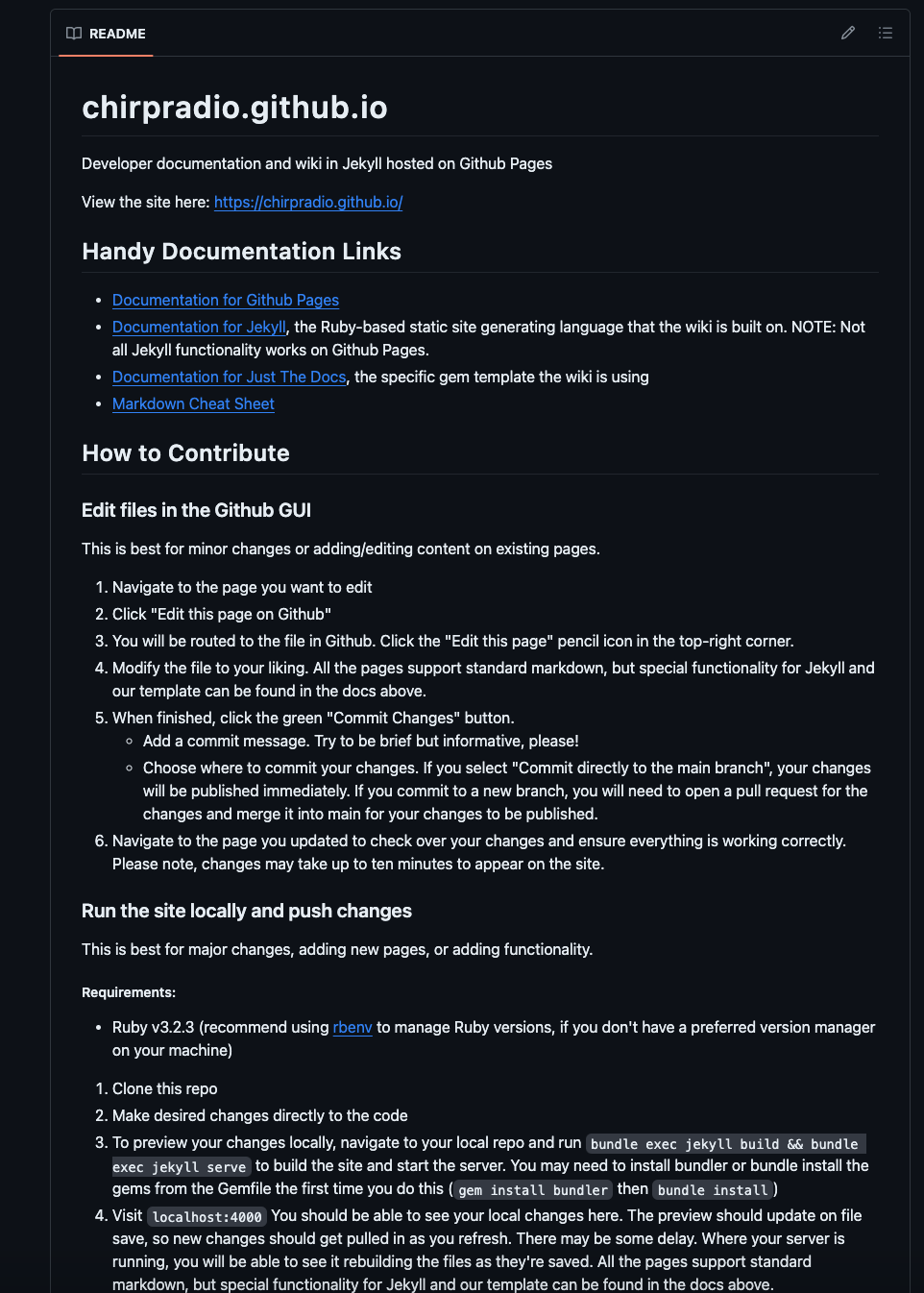
Once the wiki was live, I demo’d it at a department meeting for feedback. After the feedback was addressed, I added a readme file with setup instructions, and opened up the wiki for others to contribute.